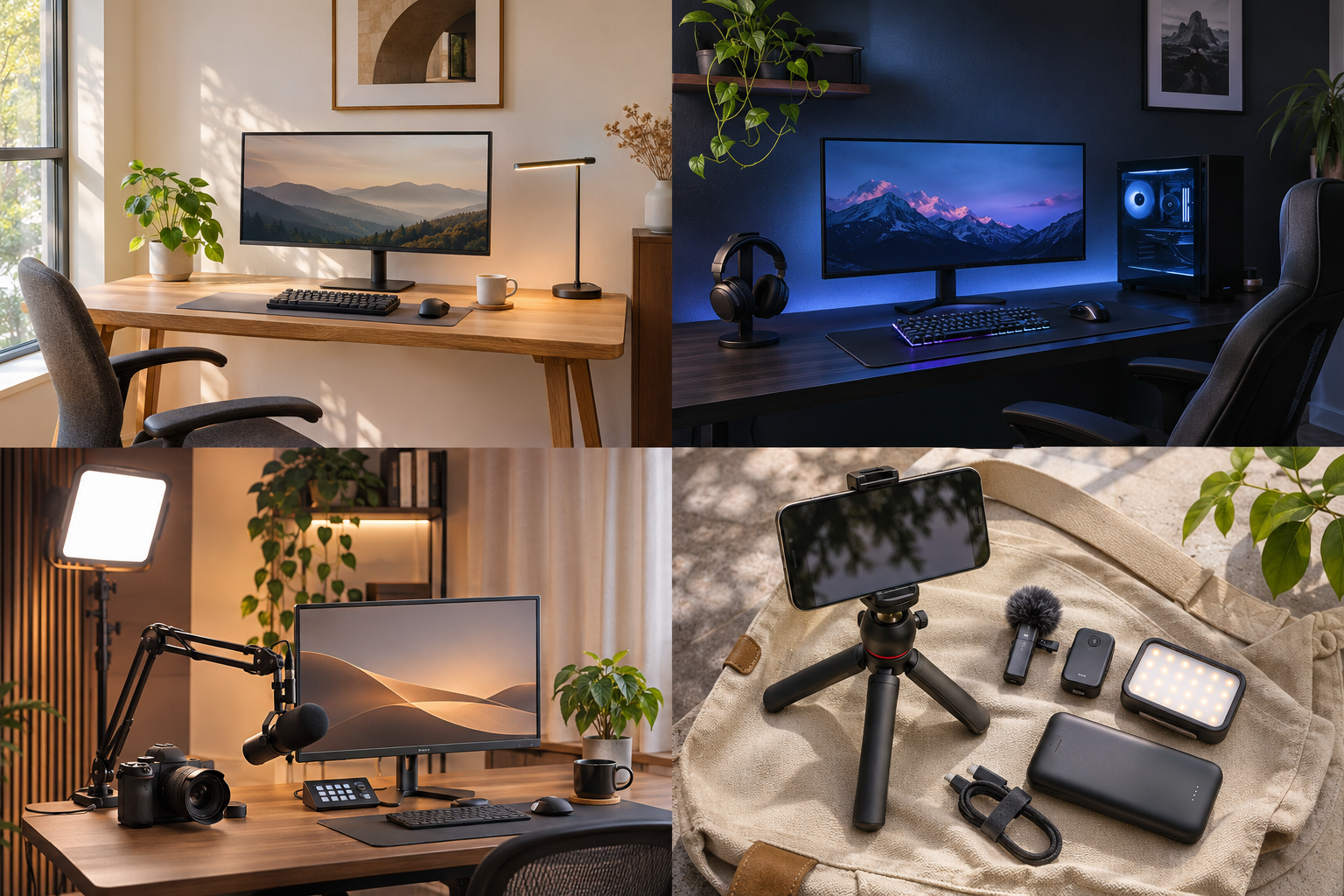
Tap a numbered pin to explore the role, budget and compatibility. Setup imagery is illustrative.
Find the right starting point
No examples match these choices. Choose “All” and “Any” to broaden the results.
Three ways to get started.
Illustrative equipment budgets in USD. These are allocation examples, not carts or live quotes. Tax and shipping are extra. Keep the items you already own.
$650
Make your current rig feel right
Desk and chair: $300
Gaming monitor allowance: $200
Keyboard, mouse and headset: $120
Cable management: $30
Reuse the PC or console you already play on.
$1,500
The balanced upgrade
Desk: $300 · Chair: $450
Gaming monitor allowance: $450
Input devices and headset: $200
Lighting and cables: $100
PC/console not included. Match display resolution and refresh rate to its output.
$3,000
A complete starting plan
PC or console allowance: $1,400
Display allowance: $450
Desk and chair: $800
Input devices and audio: $250
Cables and lighting: $100
Computer and display slots are planning allowances, not verified SKU recommendations.
Start with your platform.
List the games, target resolution and display output of your current PC or console.
Keep reliable peripherals.
A working mouse, controller and headset can stay while you improve the display or seat.
Upgrade with a reason.
Choose refresh rate for the games you play. Leave accent lighting until the essentials work.
Gear to consider
Starting points from the shared catalog. Check exact specifications, price and fit on each product page.
Check the layout before you order a desk, mount or light. The AI Studio can help you build an equipment shortlist and explore an optional room concept.