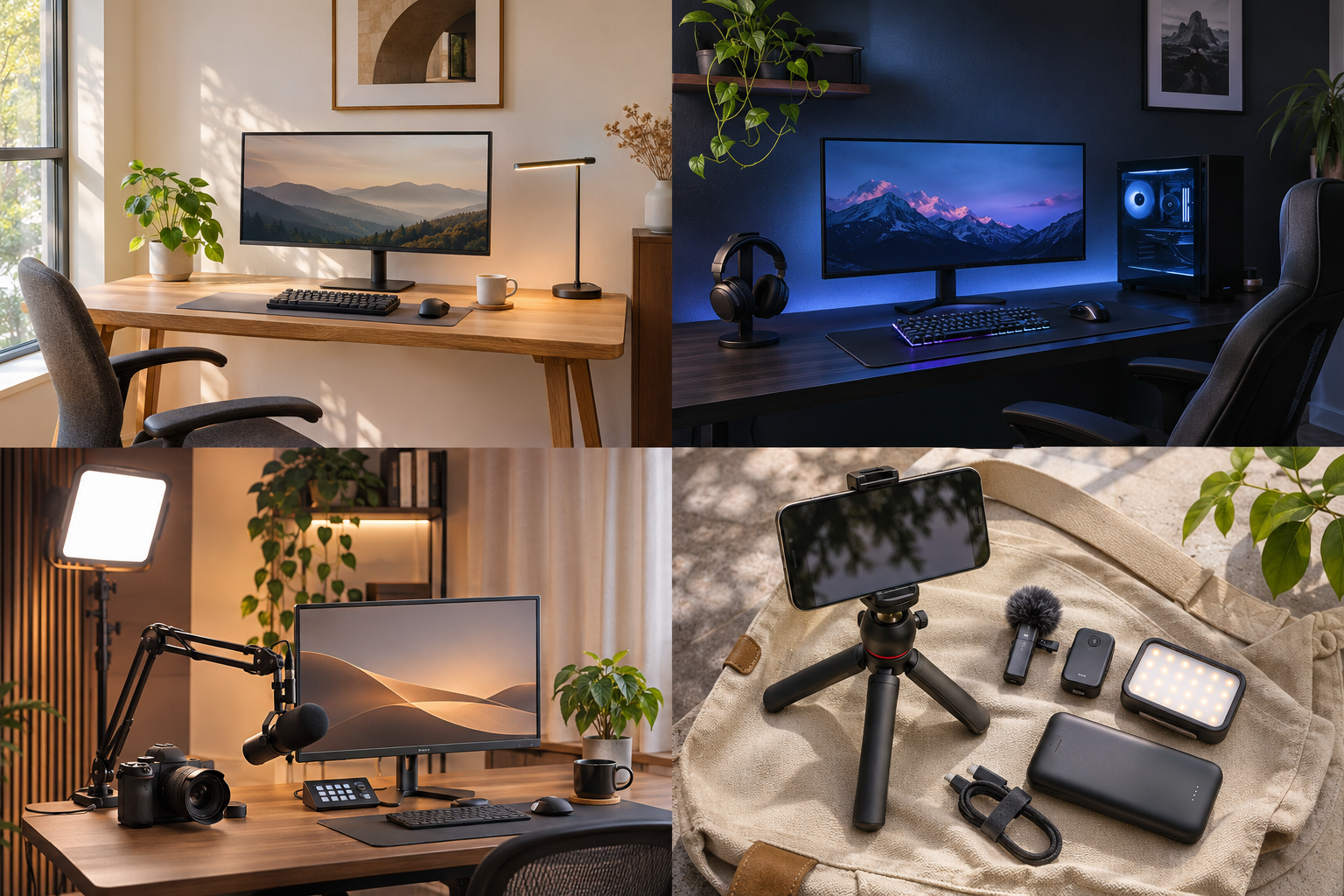
Tap a numbered pin to explore the role, budget and compatibility. Setup imagery is illustrative.
Find the right starting point
No examples match these choices. Choose “All” and “Any” to broaden the results.
Three ways to get started.
Illustrative equipment budgets in USD. These are allocation examples, not carts or live quotes. Tax and shipping are extra. Keep the items you already own.
$300
Start with sound and light
USB microphone: $70
Soft light allowance: $60
Headphones: $70
Camera/phone mount and cables: $50
Contingency: $50
Reuse your computer, phone camera, desk and chair.
$900
A repeatable recording desk
USB microphone and arm: $200
Camera allowance: $200
Lighting: $150
Headphones: $100
Background treatment and cables: $150
Contingency: $100
Desk, chair and computer not included. Test software and USB bandwidth first.
$2,000
A deliberate creator room
Microphone and interface allowance: $400
Camera and capture allowance: $500
Lighting: $250 · Headphones: $150
Desk/chair upgrade: $500
Cables and basic room treatment: $200
Existing computer assumed. Camera power, lens and capture accessories must fit inside the camera allowance.
Start with intelligible audio.
Record a short test in your actual room. Move the mic closer and reduce background noise.
Reuse the camera you own.
A phone or current webcam can work well with more useful lighting.
Upgrade the repeat task.
A microphone arm, camera mount or scene controls are useful when they remove real workflow friction.
Gear to consider
Starting points from the shared catalog. Check exact specifications, price and fit on each product page.
Check the layout before you order a desk, mount or light. The AI Studio can help you build an equipment shortlist and explore an optional room concept.